



4 Feb 2025
WordPress website creation – A guide for beginners
WordPress.org – Create Your Website Without Limitations
Building a WordPress website is one of the most sought-after solutions for individuals, businesses, and organizations today. WordPress is a powerful and flexible website creation platform used by millions worldwide. It is an open-source content management system (CMS), meaning you can download, customize, and use it freely without restrictions.
Imagine WordPress as a digital canvas where you can create virtually anything—from simple blogs to complex business websites and online stores. While the platform is designed to be beginner-friendly, it also offers advanced users access to the code, allowing them to customize the design and functionalities to their liking.
Although WordPress initially started as a blogging platform, it now powers a vast range of websites, including portals, e-commerce stores, portfolio sites, and even forums. Its flexibility has made it one of the most popular platforms, used by individuals, businesses, and organizations alike.
With an impressive market share—powering over a third of all websites—WordPress.org remains one of the strongest solutions for anyone looking for complete control over their online presence. In this guide, we’ll explore the process of building a WordPress website, the key steps you need to follow, and how to optimize your site for the best results.
Why Choose WordPress for Website Creation?
Open-Source and Cost-Effective
One of WordPress's biggest advantages is its open-source nature, meaning there is no licensing fee for using the core platform. This allows individuals and businesses to establish an online presence at minimal cost. Additionally, WordPress offers countless free and paid themes and plugins, enabling users to customize their website’s appearance and functionality without coding knowledge.
Easy to Use with Unlimited Customization Options
WordPress allows users to create a professional website without prior design or coding knowledge. Built-in editors like Gutenberg and visual design tools like Elementor or Divi make it easy to edit content and adjust the design to fit your needs. With thousands of free and premium themes available, users can tailor their website’s look and feel effortlessly.
Beyond basic content publishing, WordPress supports integrations for blogs, galleries, contact forms, booking systems, e-commerce stores, and numerous other functions through plugins. Free and premium versions of plugins enable advanced features such as automated bookings, memberships, and in-depth analytics. If you have basic programming skills, you can further customize your website with CSS and PHP.
User-Friendly Interface
WordPress is designed for everyone, regardless of technical expertise. Its intuitive user interface allows for easy content addition, menu customization, and overall website adjustments. With visual editors like Gutenberg and Elementor, users can make real-time changes without coding.
SEO-Friendly Platform
WordPress is optimized for search engines by default, but you can further enhance your website’s visibility with plugins like Yoast SEO. These tools allow you to add meta descriptions, optimize page speed, and implement other SEO best practices effortlessly.
Large Community and Support
As the most popular CMS platform worldwide, WordPress has a vast community of users and developers who can help you resolve issues. There are numerous forums, video tutorials, online courses, and documentation available to make working with WordPress easier.
How to Easily Install WordPress and Get Started
Is DIY Website Creation the Right Choice? While WordPress is user-friendly, creating a website from scratch still requires some technical knowledge. Basic understanding of HTML and CSS can be helpful for design customization, and familiarity with hosting and backups is recommended.
Technical Challenges in DIY Website Creation
Hosting Selection and Configuration – Users must choose a reliable WordPress-compatible hosting provider and set up a domain and SSL certificate for security.
Security and Updates – Regular updates to the system, themes, and plugins are essential to prevent security threats.
Speed Optimization – A slow website can negatively impact user experience and SEO. Proper image optimization, caching, and lightweight themes are crucial.
Technical Support – Issues like code errors, plugin incompatibility, or hosting problems often require expert assistance.

Essential Steps Before Installing WordPress
1. Choosing a Domain A domain is your website’s address (e.g., www.yourwebsite.com). Consider the following when selecting a domain:
- Keep it short and easy to remember.
- Include a relevant keyword if possible.
- Avoid numbers and special characters that make typing difficult.
2. Selecting a Hosting Provider Hosting is where your website’s files are stored. When choosing a provider, consider:
- Speed and performance – Faster servers provide a better user experience.
- WordPress support – Many hosting providers offer optimized packages.
- Security features – SSL certificates, intrusion protection, and backup options.
Installing WordPress
a) One-Click Installation via Hosting Control Panel Most major hosting providers (e.g., SiteGround, Bluehost, Kinsta) offer one-click WordPress installation:
Log into your hosting control panel. Select "Install WordPress." Enter details such as site name, username, and password. Click "Install" – WordPress will be ready in minutes.
b) Manual WordPress Installation For complete control, you can install WordPress manually:
Download the latest version from WordPress.org.
Upload files to your server using an FTP client (e.g., FileZilla).
Create a MySQL database via the hosting control panel.
Open your site’s URL and follow the installation wizard.
Enter database details, set up an admin account, and complete the installation.
Customizing Your WordPress Website
Choosing a Theme
A well-chosen theme determines your website’s look and functionality. Free themes can be found in the WordPress dashboard under "Appearance" → "Themes", while premium themes are available on platforms like ThemeForest and Elegant Themes.
Key factors to consider:
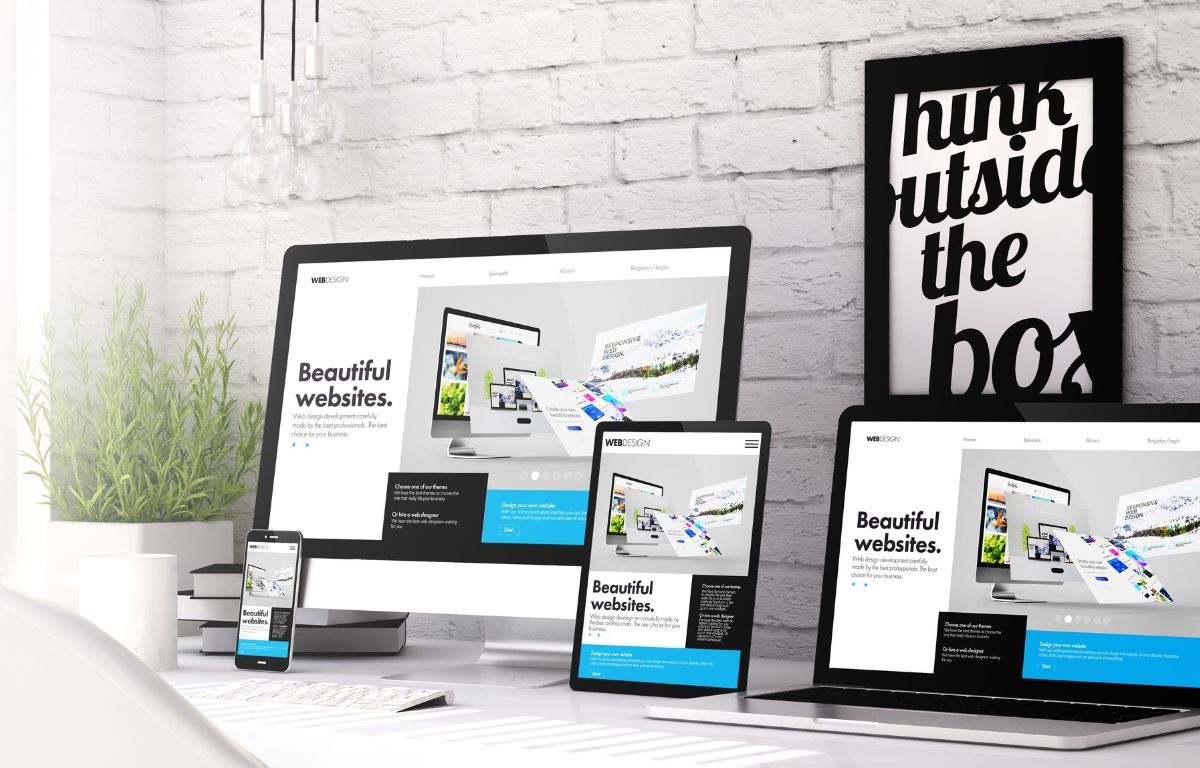
Mobile responsiveness – The theme should adjust well to different devices.
Loading speed – Slow themes can harm SEO and user experience.
Customization flexibility – Check if the theme allows adjustments to colors, typography, and layout.
Essential Plugins for WordPress
Plugins enhance the functionality of your website. Here are some must-have options:
Yoast SEO – Helps optimize content for search engines.
Elementor – Enables visual page editing.
WooCommerce – Adds e-commerce capabilities.
WP Rocket – Improves website speed.
Wordfence Security – Provides protection against hacks and attacks.
SEO Optimization in WordPress
To improve search engine rankings, follow these steps:
- Use SEO plugins – Yoast SEO or Rank Math for content optimization.
- Optimize meta titles and descriptions – Make them engaging and keyword-rich.
- Use friendly URLs – Go to "Settings" → "Permalinks" and choose “Post Name.”
- Optimize images – Compress them using tools like TinyPNG.
- Internal linking – Link relevant pages and blog posts to improve navigation.
Maintaining and Securing Your WordPress Website
Key Security Practices:
Regular updates – Keep WordPress, themes, and plugins up to date.
Backups – Schedule regular backups to prevent data loss.
SSL certificate – Enhances security and trust.
Choose trusted plugins – Avoid outdated or poorly reviewed plugins.
Is WordPress the Right Choice for You?
Creating a WordPress website is accessible to both beginners and experts. With proper planning, optimization, and maintenance, you can build a high-performing site that attracts visitors and strengthens your online presence.
Need help with your WordPress website or e-commerce store? Contact us at [email protected]—we’re happy to assist!